Formats and Calculations Unique to p and u Charts
QI Macros Special Features for p and u charts
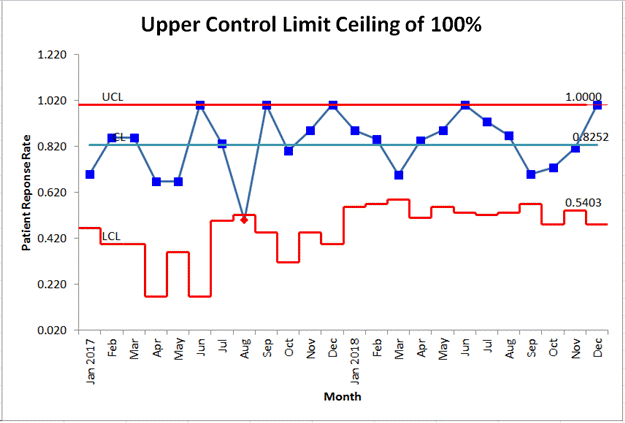
1. p Chart UCL and LCL Limits
Since the p chart is a fraction defective chart, the UCL is limited to 100% and the LCL is limited to 0%
2. Toggle Between p Chart and p' Chart:
Specifically offered in the p Chart macro, you can toggle between a p Chart and a p' Chart by inputting either "False" (p Chart) or "True" (p' Chart). This option is located to the right of your chart:

3. p Chart Calculations Change for Small Sample Sizes
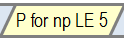
In certain cases, the standard formulas for control limits on the p chart cannot be used. This condition exists when:
n × pbar < 5
QI Macros p chart template contains a tab for these instances:
4. Change the Y-Axis Multiplier on p and u chart templates
Located to the right of the chart, this functionality allows you to change the y axis using a multiplier. For example, instead of fraction defective, you might want to show values per 100 or 1,000.

Stop Struggling with Control Charts!
Start creating your Control Charts in just minutes.
Download a free 30-day trial. Get Control Charts now!
QI Macros Draws These Charts Too!